Last updated:
How to Improve Your Click Speed for Gaming
Learn proven techniques to increase your clicks per second (CPS) for Minecraft PvP, competitive gaming, and click speed tests. Tips from casual to advanced.
Why Click Speed Matters in Gaming
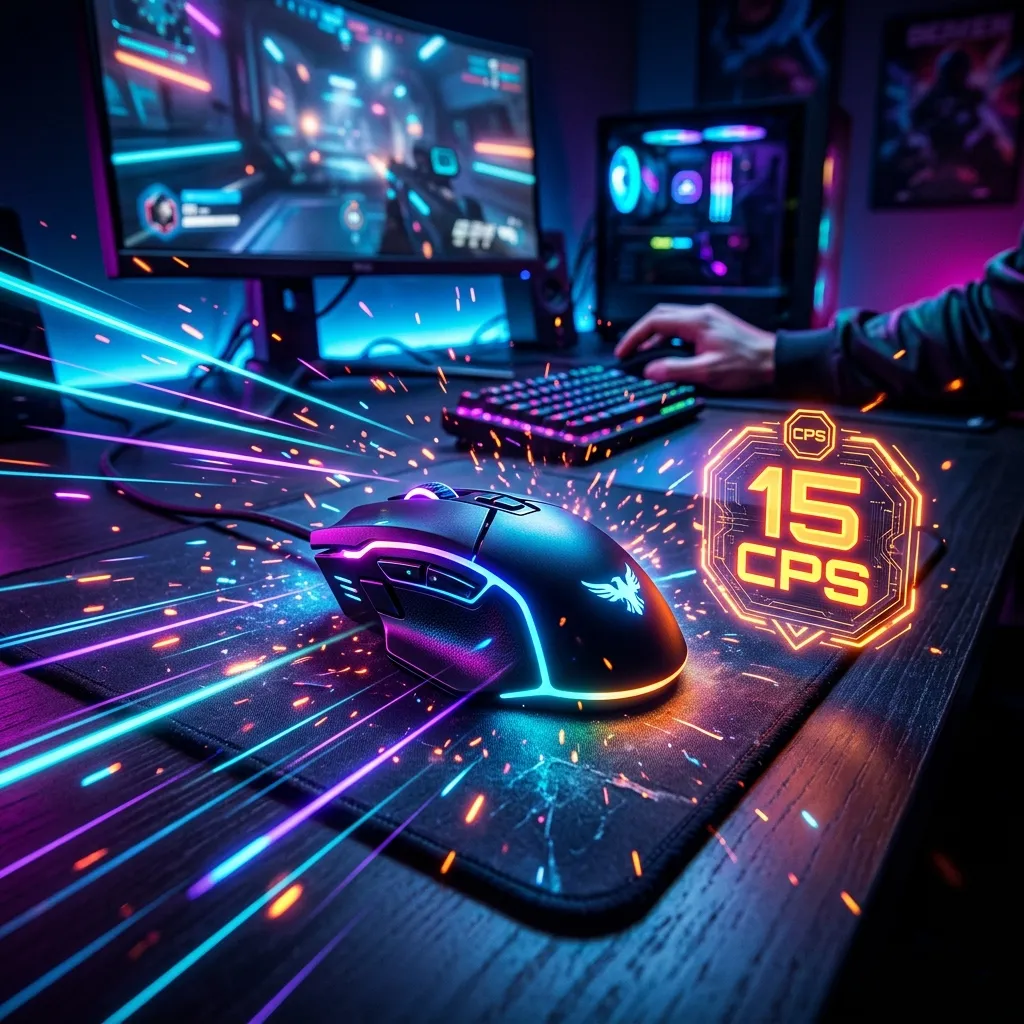
In competitive games like Minecraft, Roblox, and various FPS titles, your clicks per second (CPS) can be the difference between winning and losing. Higher CPS means faster attacks, quicker building, and better reaction times.
The average person clicks at 4-6 CPS. Casual gamers typically hit 6-8 CPS, while competitive players aim for 10-16 CPS using advanced techniques.
Clicking Techniques
1. Regular Clicking (4-7 CPS)
The default method most people use. Click your mouse button with your index finger at a normal pace.
Best for: Casual gaming, general computer use Difficulty: Easy
2. Jitter Clicking (8-14 CPS)
Tense your arm and hand muscles to create a vibrating motion that rapidly presses the mouse button. The key is controlled tension — not random shaking.
Tips:
- Start with your forearm, not just your finger
- Keep your hand relatively still; the vibration comes from muscle tension
- Practice in short bursts (5-10 seconds) to build endurance
- Expect sore muscles when starting out
Best for: Minecraft PvP, click speed challenges Difficulty: Medium
3. Butterfly Clicking (12-20+ CPS)
Alternate between two fingers (usually index and middle) hitting the same mouse button in rapid succession. This “butterfly” motion can achieve extremely high CPS.
Tips:
- Position your index and middle fingers at slightly different angles on the button
- Practice the alternating rhythm slowly, then speed up
- Not all mice register butterfly clicks; gaming mice work best
- May not be allowed in some competitive settings
Best for: Maximum CPS, speed test challenges Difficulty: Hard
4. Drag Clicking (30-100+ CPS)
A technique where you drag your finger across the mouse button, causing it to vibrate and register multiple clicks. Requires a mouse with a textured surface.
Note: This technique is banned in most competitive gaming and is considered unfair in many communities.
Best for: Click speed world records (novelty only) Difficulty: Very Hard
How to Practice
- Start with a CPS test — Measure your current baseline
- Set realistic goals — Aim for 1-2 CPS improvement per week
- Practice daily — 10-15 minutes of focused practice
- Use proper equipment — A gaming mouse with low click latency helps
- Take breaks — Don’t strain your hand or wrist
Equipment Tips
- Mouse choice matters — Look for mice with low click latency and crisp switches
- Mouse pad — A firm surface provides better stability for jitter clicking
- Grip style — Claw grip often works best for high-CPS techniques
Practice with Our Tools
Ready to test and improve your click speed? Try our Tap Counter to warm up, and check back soon for our dedicated CPS Test and Click Speed Test tools coming in our next update.
Remember: improvement takes time. Start with regular clicking, gradually try jitter clicking, and only attempt butterfly clicking once you’re comfortable with the basics.