Last updated:
Best Free Online Counting Tools in 2026
A comprehensive roundup of the best free online counting tools including tap counters, click counters, tally counters, CPS tests, and more.
The Best Free Online Counting Tools
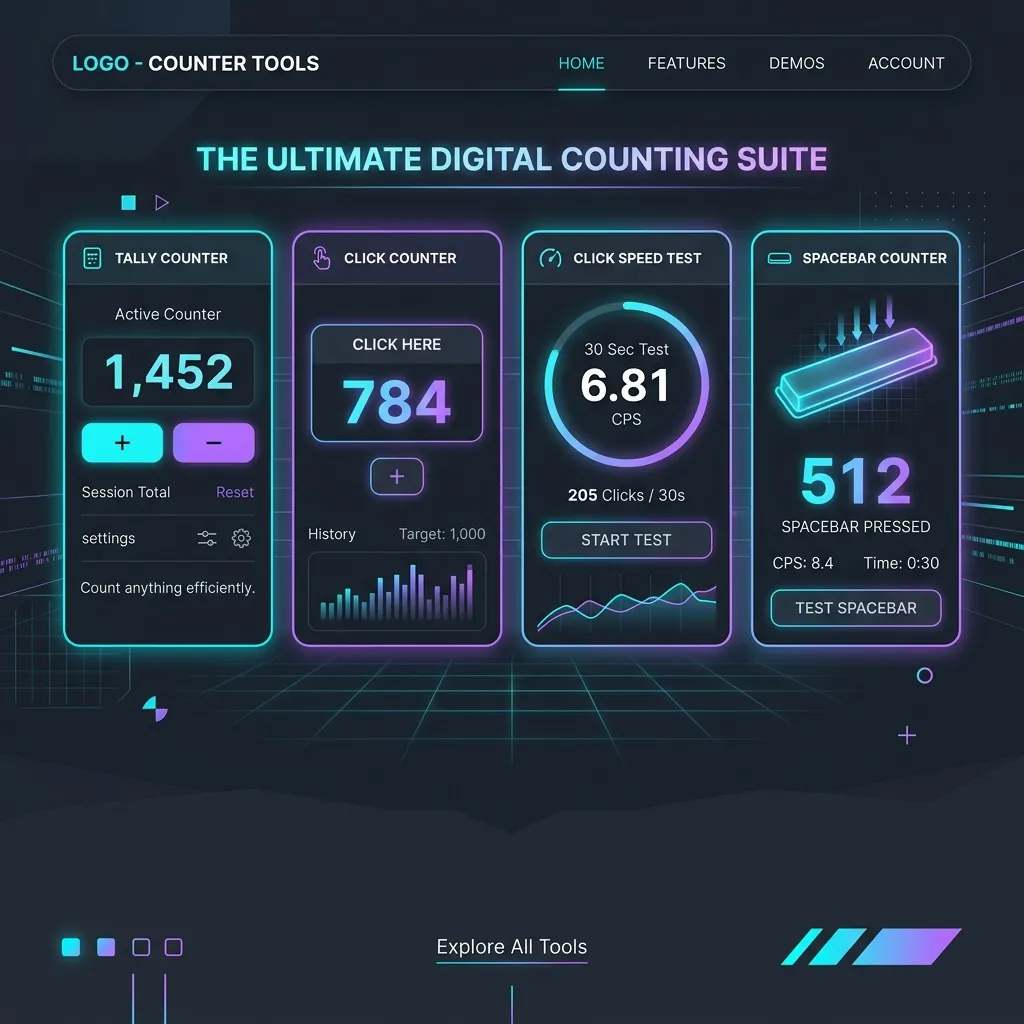
Whether you need a simple tap counter, a click speed tester, or a multi-purpose tally tracker, there’s a free online tool for you. Here’s our curated list of the best counting tools available in 2026.
1. Tap Counters & Click Counters
A tap counter (or click counter) is the most basic and essential counting tool. You tap a button, and the number goes up. Simple, but incredibly useful.
What to Look For:
- Keyboard shortcuts — Spacebar support for fast counting
- Sound feedback — Audio confirmation of each count
- Auto-save — Local storage persistence
- Custom increments — Count by 2s, 5s, or 10s
- Mobile optimization — Large tap targets for phone use
Best Use Cases:
- Inventory counting
- Gym reps
- Event headcounts
- Knitting rows
- Prayer beads (tasbeeh)
2. Tally Counters
Tally counters are specialized versions of click counters designed for sustained counting sessions. The key difference is that tally counters often include session management — the ability to save, name, and recall counting sessions.
Features That Matter:
- Session naming and saving
- Multiple simultaneous counters
- Export functionality (CSV)
- History and logging
3. CPS (Clicks Per Second) Tests
CPS tests measure how fast you can click in a set time period. They’re popular among gamers, especially Minecraft players who need fast clicking for PvP combat.
Common Test Durations:
- 1 second (burst speed)
- 5 seconds (sustained speed)
- 10 seconds (endurance)
- 30 seconds / 1 minute (marathon)
The average CPS for casual users is 6-8 clicks per second. Competitive clickers can achieve 12-16 CPS using techniques like jitter clicking or butterfly clicking.
4. Spacebar Counters
Similar to CPS tests, spacebar counters measure how fast you can hit the spacebar. These are used for:
- Typing speed warm-ups
- Gaming practice
- Fun competitive challenges
5. Word & Character Counters
Word counters track the number of words in a block of text. Essential for:
- Writers meeting word count targets
- Students checking essay length
- SEO professionals optimizing content length
- Social media managers checking character limits
How to Choose the Right Tool
| Need | Best Tool |
|---|---|
| Simple counting | Tap Counter |
| Multiple items | Multi-Tally Counter |
| Gaming speed | CPS Test |
| Typing practice | Spacebar Counter |
| Writing | Word Counter |
Our Recommendation
For most counting needs, a well-built tap counter with keyboard shortcuts, sound feedback, and auto-save covers 90% of use cases. Check out our free Tap Counter — it’s fast, beautiful, and works on every device.